
You're hesitating to invest $89 in Divi: here's exactly what you're buying
Picture this. Your client sends you a message on a Friday evening: they want their site rebuilt before next week's trade show. You have the weekend. No time to set up a custom environment. You need a tool you already know, one that covers the header, footer, WooCommerce templates, and forms—without additional plugins.
This is exactly the scenario Divi was designed for.
But before you buy, one question deserves an honest answer: is Divi worth its price in 2026, compared to alternatives that are better positioned on certain points? The short answer: yes, under certain conditions. Here's which ones.
Verdict: Who Divi is the right choice for (and who it isn't)
Divi is right for you if you:
- Manage multiple client sites (unlimited sites license included)
- Want to control the entire design without coding
- Are looking for an all-in-one ecosystem (builder + Theme Builder + WooCommerce + layout library)
- Are already on Divi 4 and evaluating the migration to Divi 5
Divi is not right for you if you:
- Are a developer and prioritize clean, lightweight code without dependencies: Bricks (~$79 lifetime) or Oxygen will be better suited
- Have a tight budget and only need one site: Elementor Free covers the essentials for free
- Want a modern interface without a learning curve: Elementor Pro (~$59/year) has a faster learning curve
- Build primarily with Gutenberg blocks: native WordPress FSE themes reduce dependency on page builders
while offering advanced options for developers
Test protocol: what I measured
Context: installation on WordPress 6.x, Hostinger VPS hosting, Divi 5 theme (latest stable version), without cache enabled during testing phase.
Getting started (0 → first published layout):
- Time to create a complete homepage from a pre-made layout: 42 minutes (first use)
- Time to customize a template with Design Variables (global colors, typography): 18 minutes
- Notable learning curve on the Theme Builder (dynamic headers and footers): expect 1 hour the first time
Performance (PageSpeed Insights measurements, homepage, optimized images):
- Mobile score: 72–78 depending on content density—average for visual builders
- Desktop score: 88–92
- Note: scores vary significantly depending on hosting configuration and cache activation (WP Rocket + Cloudflare significantly improves these numbers)
Documented limitations:
- Divi AI is an additional paid service—not included in the base subscription
- The Divi 5 delay (+2 years compared to the initial 2022 announcement) has weakened the confidence of part of the community; Elegant Themes lost 19.63% of its workforce in 2024. This context is real. Version 5 technically addresses the historical criticisms, but the product risk deserves to be factored into your decision
Key features: what you actually use daily
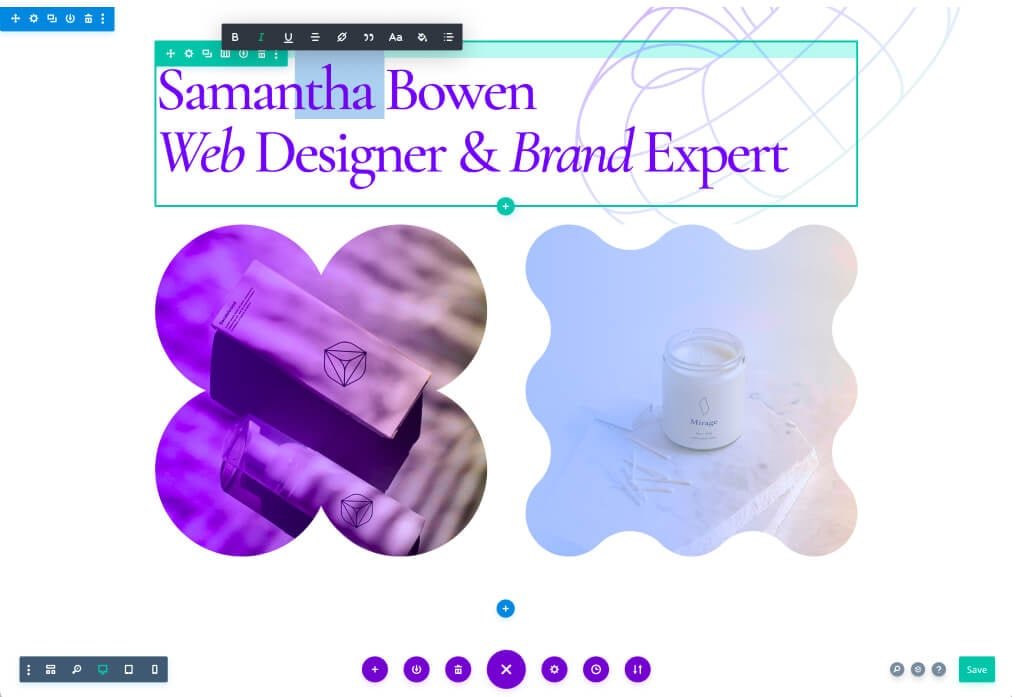
Visual Builder — Real-time editing directly on the page. The preview is faithful to the final rendering, which avoids backend/frontend back-and-forth.
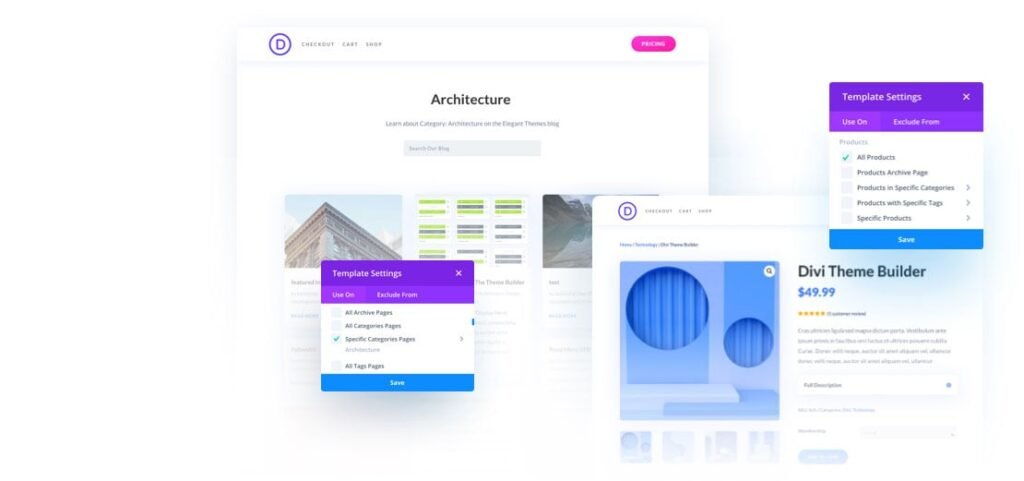
Theme Builder — Creation of global templates: header, footer, post page, WooCommerce product page, category archive. A single modified template applies across the entire site.
Loop Builder — Divi 5's flagship module. Allows you to display dynamic content loops (posts, products, Custom Post Types) with a fully customized layout. Effectively replaces plugins like Divi Machine or JetEngine for common use cases.
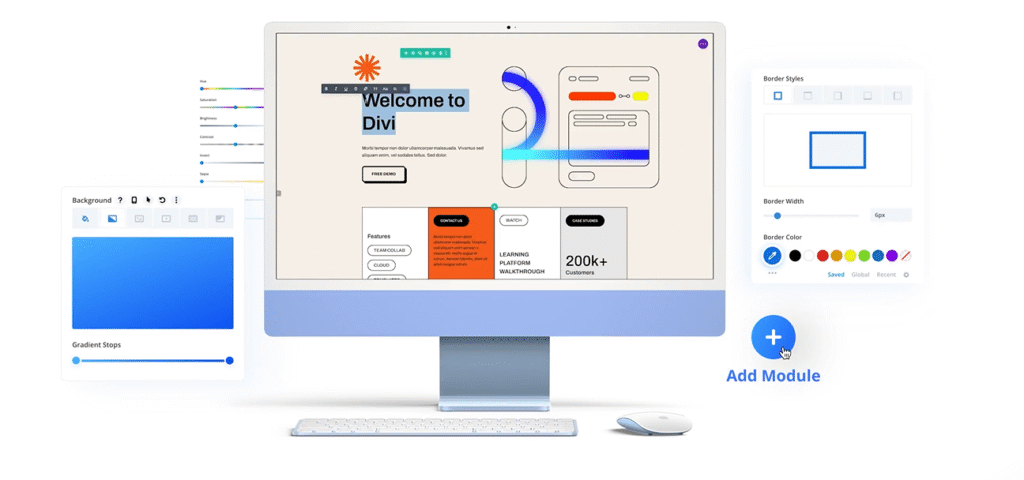
Design Variables — Define your colors and typography once at the global level. Any modification automatically propagates across all pages. This is the most concrete time-saver on multi-page projects.
Presets — Save a module's configuration (style, spacing, animations) and apply it with one click to other instances. Essential for maintaining visual consistency without manual CSS.
Native Flexbox and CSS Grid — Divi 5 integrates Flexbox and CSS Grid directly into the editor, with configurable breakpoints per device. This replaces the custom CSS workarounds required in Divi 4.
Layout library — Over 2,000 templates organized by industry. Useful for getting started quickly, less so for standing out visually if you use them without extensive customization.
Divi pricing in 2026: the exact numbers
Divi Pro pricing (Divi 5)🔗 verified on elegantthemes.com as of June 14, 2026—confirm at the time of your purchase as Elegant Themes runs regular promotions, especially during Black Friday.
| Plan | Price | Sites | Access |
|---|---|---|---|
| Annual subscription | ~$89/year | Unlimited | Divi + Extra Theme + Bloom + Monarch + updates |
| Lifetime license | ~$249 (one-time payment) | Unlimited | Same + lifetime updates |
Additional services (not included in standard subscription):
- Divi AI🔗: ~$16/month or ~$180/year (content and image generation integrated into the editor)
- Divi Cloud: ~$8/month (layout backup and synchronization between sites)
- Divi VIP: ~$89/year (priority support with guaranteed response time)
Direct pricing comparison:
| Builder | Annual price | Sites Included | Lifetime available |
|---|---|---|---|
| Divi (Elegant Themes) | ~$89/year | Unlimited | ✅ ~$249 |
| Elementor Pro | ~$59/year | 1 site | ✅ ~$199 (25 sites) |
| Bricks | — | Unlimited | ✅ ~$79 |
| Oxygen | — | Unlimited | ✅ ~$99 |
Reading: Elementor Pro is cheaper per year for a single site. Divi becomes more competitive starting with two simultaneous sites. The $249 lifetime license pays for itself in less than three years compared to the annual subscription.
The underestimated resource: Divi Hosting🔗 Elegant Themes offers WordPress hosting optimized with Divi pre-installed. For a client starting from scratch, it's a serious alternative to generic hosting—and often cheaper than Elementor Pro combined with separate hosting.
Recommendations: how to decide without regret
Decision grid by profile:
| Profile | Recommendation | Main reason |
|---|---|---|
| Freelancer (3+ sites/year) | ✅ Lifetime $249 | Pays for itself in less than 3 years |
| Entrepreneur (1 site) | ⚠️ Annual $89 or Elementor Free | Test before committing long-term |
| Agency (multiple clients) | ✅ Lifetime $249 | Unlimited license, workflow standardization |
| Front-end developer | ❌ See Bricks or Oxygen | Cleaner code, fewer dependencies |
| Current Divi 4 user | ✅ Divi 5 upgrade | Backward compatibility ensured, real performance gains |
Caveats:
- Before migrating Divi 4 → 5: test on a staging environment. Some third-party modules are not yet fully compatible. Consult the guide to pitfalls to avoid when migrating from Divi 4 to Divi 5 before starting.
- Divi AI: evaluate whether you actually need it before adding this monthly cost. It remains a complementary tool, not a prerequisite for using Divi 5 effectively.
- Support: Elegant Themes' 24/7 support is real, but response times vary depending on load. VIP subscribers get priority access.
Recommended installation to get started:
- VPS or managed hosting (OVH, Hostinger, or Divi Hosting)
- WordPress in recent version (7.x)
- Divi 5 installed as a theme, or Divi Builder as a plugin if you keep your current theme
- WP Rocket + Cloudflare to optimize performance
- AIOSEO for on-page SEO
Pre-purchase decision checklist
Before buying, validate these 5 points:
- You manage more than one WordPress site per year
- You need the Theme Builder to control global templates
- You use WooCommerce or Custom Post Types
- You are not a front-end developer looking for minimalist code
- You have compared Elementor and Bricks pricing for your specific context
If you check 3 or more points, Divi is a solid choice. If you check 1 or fewer, first explore the alternatives listed in the Verdict section above.
To go further:
- How to install Divi 5 on WordPress
- Pitfalls to avoid when migrating from Divi 4 → Divi 5
- Divi vs Elementor: the complete comparison
- Create a testimonial carousel with Divi 5
- Custom WooCommerce store with Loop Builder
The day you deliver your first Divi 5 site in less than a day's work—layout, Theme Builder, Design Variables configured in one session—you'll understand why this tool has held its place in hundreds of freelance and agency workflows for over ten years.
FAQ — Divi Theme for WordPress
What is the price of the Divi theme in 2026?
Divi is available in two plans: annual subscription at approximately $89 (unlimited sites, updates included) or lifetime license at approximately $249 (one-time payment, unlimited sites, lifetime updates). These prices cover the entire Elegant Themes ecosystem: Divi, Extra Theme, Bloom, and Monarch. Regular promotions, especially during Black Friday, can significantly reduce these prices.
Is Divi worth its price compared to Elementor?
It depends on the number of sites. For a single site, Elementor Pro (~$59/year) is cheaper per year. Starting with two sites, Divi at $89/year becomes competitive thanks to its unlimited license. Long-term, the Divi lifetime license at $249 pays for itself in less than three years compared to the annual subscription. Elementor has an advantage in initial learning curve and has a functional free version. Divi stands out with its Loop Builder, global Design Variables, and all-in-one ecosystem.
Is migrating from Divi 4 to Divi 5 difficult?
Migration requires precautions. Divi 5 ensures backward compatibility with Divi 4 layouts, but some third-party modules or specialized extensions are not yet fully compatible. Best practice is to migrate on a staging environment, test each key page, then switch to production. Expect half a day of verification for a medium-sized site. Consult the guide to pitfalls to avoid during migration before starting.
Is Divi suitable for a WooCommerce e-commerce site?
Yes. Divi 5 integrates native WooCommerce modules (product page, cart, checkout, category archive) and the Theme Builder allows you to create fully customized templates for each type of store page. The Loop Builder makes it easy to display product catalogs with a custom layout. For a multi-product e-commerce site, it's one of the most complete solutions without additional plugins. See the WooCommerce guide with Divi 5 Loop Builder.
What is Divi AI and is it included in the subscription?
Divi AI is an additional paid service (approximately $16/month or $180/year) that integrates text and image generation tools directly into the Divi editor. It is not included in the standard Elegant Themes subscription. Its usefulness is real for accelerating page content production, but it remains optional for the vast majority of workflows.
Tools marked with 🔗 are affiliate links. If you make a purchase, I earn a commission at no extra cost to you. For more details, you can view the full transparency disclosure page.

