
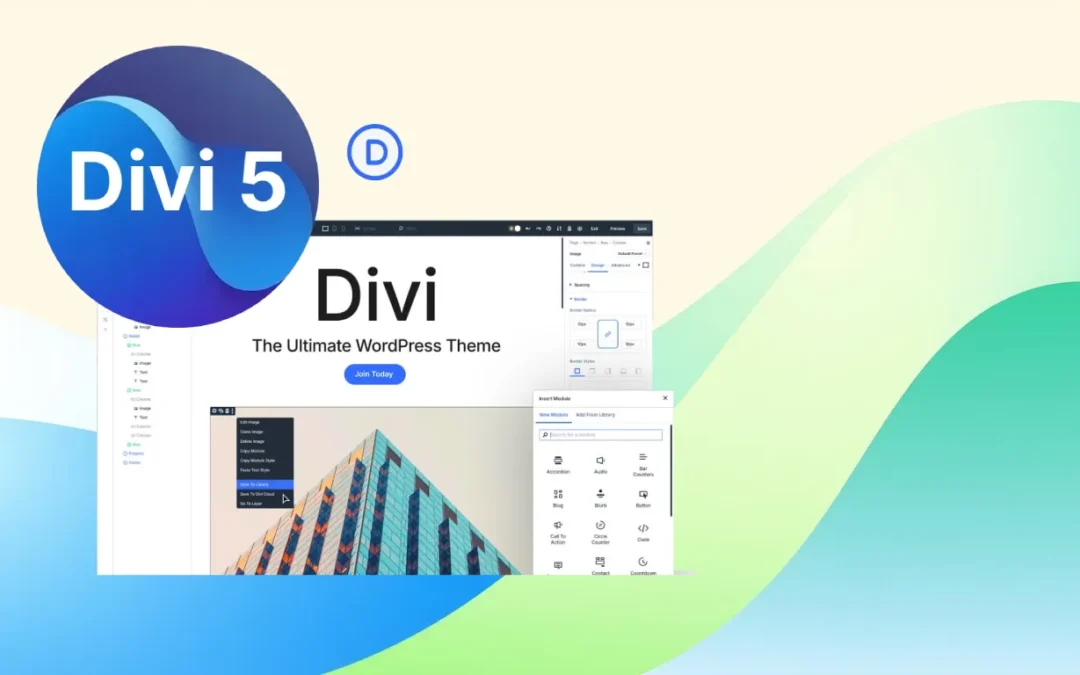
Are you scratching your head wondering if it's the right time to migrate to Divi 5? Perfectly normal! It's a bit like hesitating between keeping your old car that purrs along or going for the latest electric model. We'll break down everything you need to know to make the right choice, without drowning you in technical jargon.
Where Does Divi 5 Stand Today?
As of February 26, 2026, Divi 5 is officially available and has permanently exited its beta phase. After more than a year of public testing, Elegant Themes now considers this new generation of Divi mature enough to be deployed on production sites.
This version marks much more than a simple update. Divi 5 is built on a completely rebuilt architecture, designed to improve performance, reduce technical debt accumulated over the years, and accelerate the development of future features. Moving away from the legacy shortcode-based system in favor of a modern architecture is one of the most significant changes.
Today, the main features announced for Divi 5 are available: Flexbox, Design Variables, Presets, Loop Builder, CSS Grid, Interactions, Responsive Editor, new WooCommerce modules, and numerous user experience improvements.
To facilitate the transition, Elegant Themes is also maintaining a Divi 4 branch. Users who are not ready to migrate can continue to receive critical security and compatibility updates during the transition period announced by the publisher.
My advice remains the same: if you're starting a new project today, use Divi 5 directly. For an existing site running Divi 4, take the time to test the migration on a staging environment, especially if you're using third-party extensions that haven't yet validated their full compatibility with the new architecture.

The prerequisites to get the most out of Divi 5
Before migrating or creating a new site with Divi 5, I recommend having the latest tools from the Elegant Themes ecosystem. You can check out Divi Pro for Divi 5 🔗 to access advanced features, Divi AI for AI-assisted content and design creation 🔗 to speed up your production, as well as Divi Hosting optimized for Divi 5 🔗 to benefit from hosting specifically configured for performance and builder compatibility.
Elegant Themes' Recommendations (the Official Word)
For your New Sites: Go for it!
Good news! Divi 5 is already ready for creating new websites. Nick Roach, the head of Elegant Themes, said it himself: "Divi 5 is superior to Divi 4 in almost every way." When the boss says it, it must be true!
If you're a developer or run an agency, you can now:
- Create new sites with Divi 5's modern architecture (it's like building a house with the latest materials)
- Enjoy mind-blowing performance improvements (we're talking 2 to 4 times faster!)
- Leverage new features like customizable breakpoints and design variables (a web designer's dream)
For your Existing Sites: Patience, Young Padawans
Here, it's different. Elegant Themes recommends waiting at least until the public beta before migrating your production sites. It's like renovating your kitchen: it's better to wait until you have all the necessary tools before tearing everything apart.
Why this caution? The backward compatibility system does allow Divi 4 modules to work, but it's a bit like using an adapter to plug in an old device: it works, but not 100%. Pages with legacy modules even display a small warning in the admin bar, just to remind you that they don't benefit from Divi 5's new features.
When You Can Go ahead Now
Scenarios where Divi 5 Welcomes You
New web projects: If you're starting from scratch, now's the perfect time! Agencies and developers can adopt Divi 5 with their eyes closed. The benefits are immediate: cleaner architecture, pleasing load times, and access to all modern features. It's like starting a marathon with new sneakers instead of flip-flops.
Test and staging sites: All users can experiment with Divi 5 on their development environments. It's even recommended to familiarize yourself with the interface and new features. Consider it a driving lesson before hitting the highway!
Projects without complex WooCommerce: If your site doesn't heavily use e-commerce modules, you can go for it. Most core Divi 4 modules are now compatible. It's a bit like moving: if you don't have too many fragile items, it's simpler.
Case: "Existing Site"
• Recommended if:
– Your critical third-party plugins/modules are declared Divi 5 compatible, or are non-essential.
– You can test on a staging environment and validate critical templates (homepage, product pages, forms, funnels).
• Postpone if:
– You heavily rely on incompatible third-party modules (Marketplace/publishers).
– Your schedule does not allow for a testing and bug-fixing window.
Technical Recommendations (without Overthinking it)
The Recommended Migration Process
The integrated Divi 5 migrator is your best friend for this transition. This little genius:
- Automatically scans for incompatible modules
- Identifies content that can be converted
- Allows rollback to Divi 4 if necessary (phew!)
Best practices are like a flight checklist: essential!
- Perform a full backup before migration (your life raft)
- Test on a staging environment (never directly in production!)
- Check third-party plugin compatibility
- Update child themes with custom PHP
Optimal System Configuration
For Divi 5 to run like clockwork, here's the bare minimum:
- WordPress 6.0 or higher (logical, you can't make new with old)
- PHP 7.4 minimum (8.0+ recommended for performance)
- A staging environment for testing (essential!)
- Hosting with object cache and CDN for best performance
Steps
1. Install Divi 5 (replaces your current Divi theme).
2. Launch "Divi 5 Migrator": the tool scans the site and flags ready content and incompatible modules.
3. Choose migration: bulk conversion of Divi 4 modules to Divi 5 format (a few seconds to minutes).
4. Testing: check critical pages, Theme Builder, WooCommerce Templates, forms, menus, typography, and responsive variations.
5. Fixes: address reported discrepancies (see "Common Points to Fix").
6. Go Live: switch after full validation. In case of failure, restore the backup or use the D4 restoration integrated into the Migrator.
FAQ: your Questions, our Answers
Will My Divi 4 Sites Continue to Work after Divi 5?
Absolutely! The backward compatibility system ensures that all your Divi 4 sites will continue to work. Elegant Themes is committed to ensuring that "no site is left behind." That's reassuring, isn't it?
Should I Wait or Start Now?
The answer depends on your situation:
- For new sites: go for it now with Divi 5
- For existing sites: possible via the "Divi 5 Migrator," after backup and testing on a staging environment. Keep Divi 4 if you rely on incompatible third-party modules.
What about Third-Party Plugins?
Some developers like Divi Supreme, DiviNext, or Divi Pixel have already released compatible beta versions. Others are actively working on compatibility. The compatibility mode allows older plugins to work temporarily. It's a bit of a workaround while waiting for the truly compatible versions.
What are the Risks of Migrating Now?
Risks include potential bugs (normal, we're in alpha phase), incompatibilities with some third-party plugins, and performance limitations for legacy modules. Fortunately, the rollback system allows a quick return to Divi 4. It's your emergency parachute!
Is Divi 5 faster than Divi 4?
Oh yes! Official tests show 2 to 4 times improvements in frontend load times. JavaScript goes from 276kb to 45kb (a drastic weight loss!), and the backend processes layouts 40-80% faster. It's the difference between a bicycle and an electric motorcycle!
Can I Revert to Divi 4 after Migration?
Yes, the Divi 5 migrator includes a restore function that allows you to revert to Divi 4 with all content intact. This function is crucial for safe testing. It's like having a giant "undo" button!
To avoid the most common errors when migrating your site, check out our detailed article titled "What Pitfalls to Avoid When Migrating from Divi 4 to Divi 5?". You'll find practical advice, key steps, and tips to make this transition stress-free and preserve your site's performance.
Will My Current Licenses be Valid for Divi 5?
Although Elegant Themes hasn't provided explicit confirmation, the continued sale of lifetime licenses suggests that all existing licenses will be honored for Divi 5. Backward compatibility confirms this approach. Makes sense!
What if I Use WooCommerce a Lot?
With 17 out of 25 WooCommerce modules now natively available in Divi 5, many e-commerce sites can already migrate. For complex cart/checkout functionalities, it's better to wait for the latest modules (expected before the beta). Patience, it's coming!
Can you test Divi 5 for free before installing it?
Yes. Elegant Themes provides an online demo of Divi 5 that lets you explore the interface, test the Visual Builder, and discover the main new features without installing WordPress or subscribing. This demo version is ideal for familiarizing yourself with the new interface, customizable panels, and performance improvements introduced by Divi 5.
Keep in mind, however, that a demo doesn't replace testing on your own environment. If you're considering a migration from Divi 4, I recommend creating a staging site to verify the compatibility of your extensions, child theme, and customizations before going live.
Conclusion: the Moment of Truth
Divi 5 represents a major evolution with substantial benefits in performance and features. It's a bit like upgrading from a 2010 smartphone to the latest iPhone: the difference is clear!
If you've never used Divi Builder, or if you're still hesitating between Divi and Elementor, now's your chance to try it out for yourself.
My personal advice? If you're starting a new project, go for it with Divi 5! For your existing sites, take the time to test in staging, and if everything runs smoothly, why wait? Otherwise, the public beta isn't far off, and sometimes it's worth being patient rather than stressing out!
Tools marked with 🔗 are affiliate links. If you make a purchase, I earn a commission at no extra cost to you. For more details, you can view the full transparency disclosure page.

